

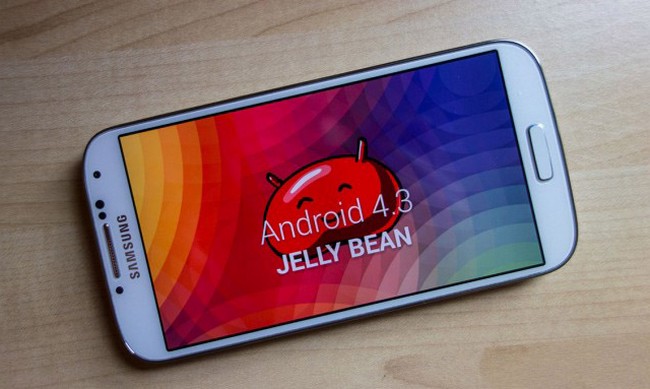
Zahvaljujući ekipi sa Sammobile portala, dobili smo uvid u prvu testnu verziju Android-a 4.3 za Galaxy S4 (GT-I9505) prije skoro dvije nedjelje, ali su željeli da nam daju još.
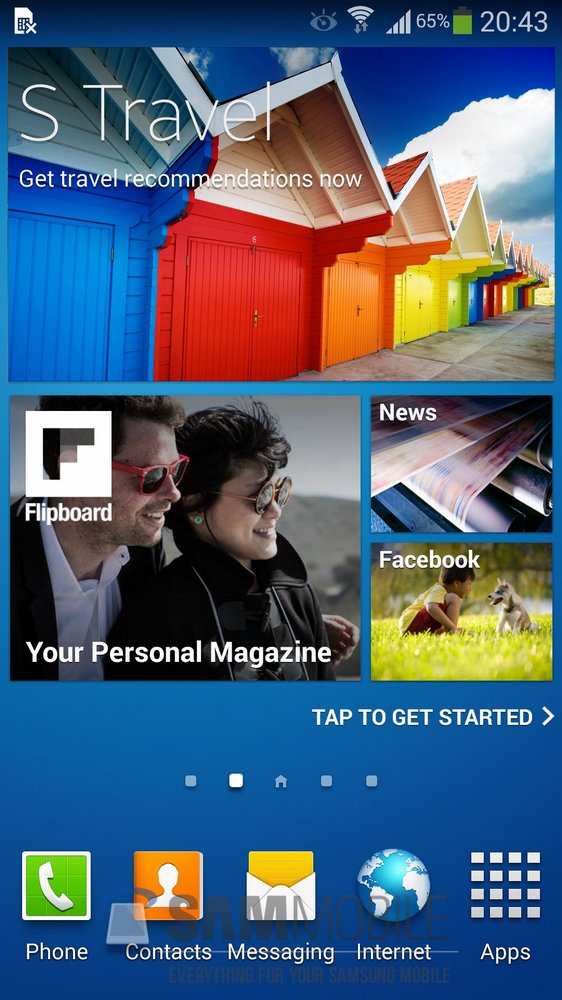
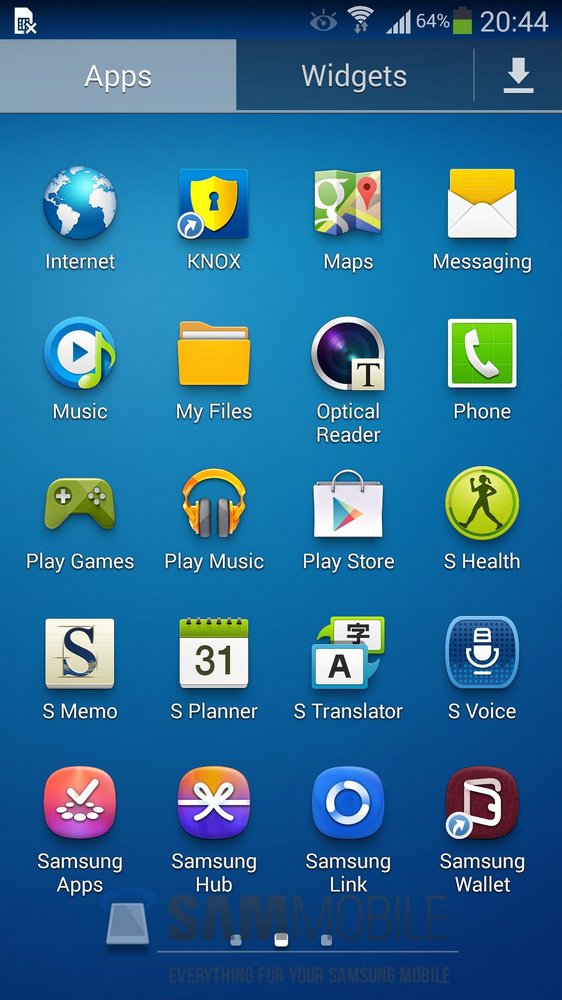
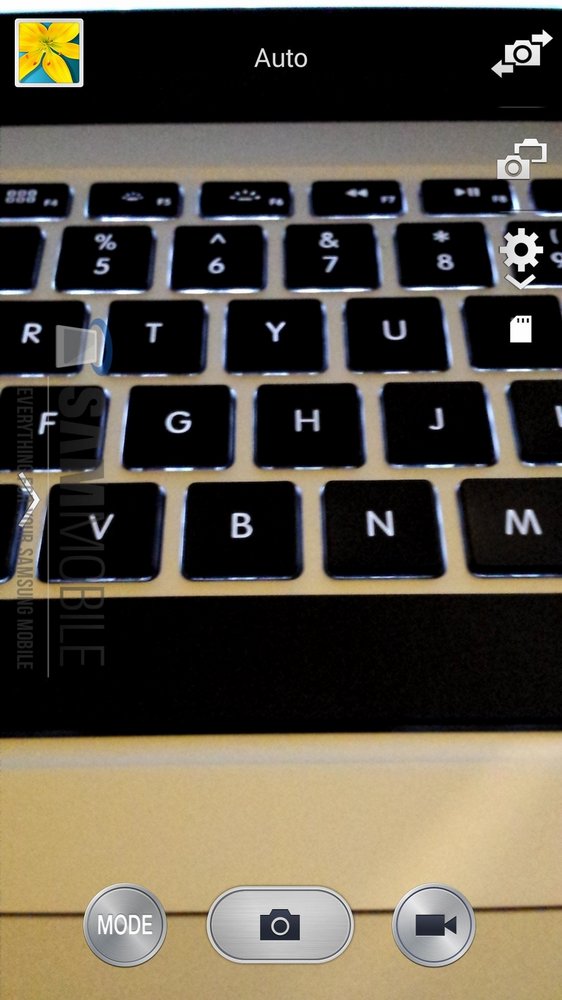
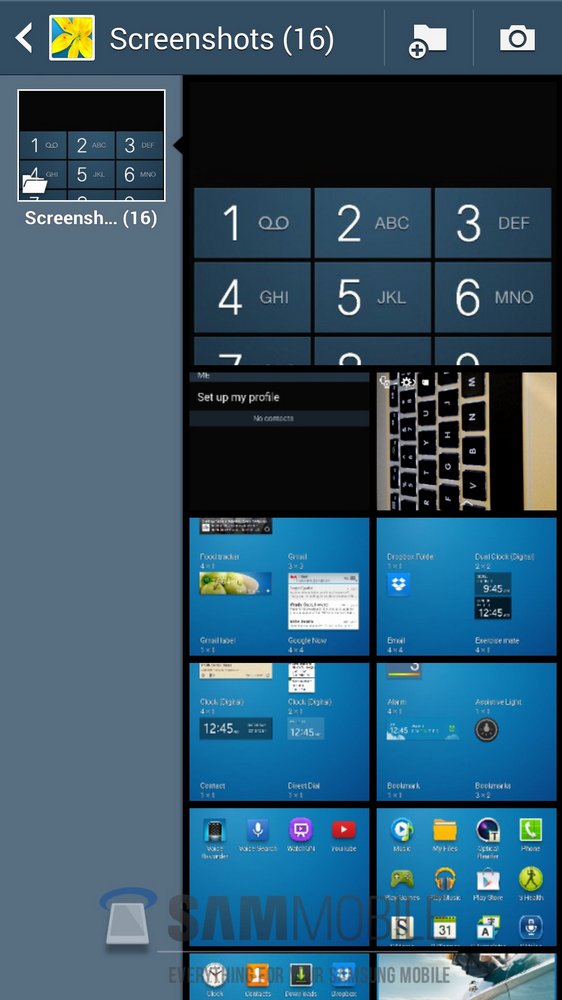
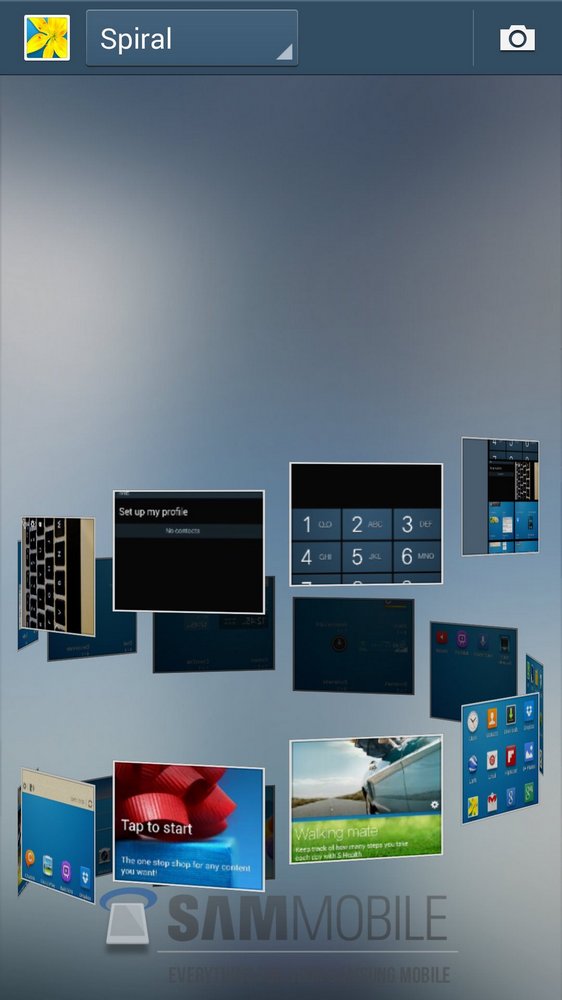
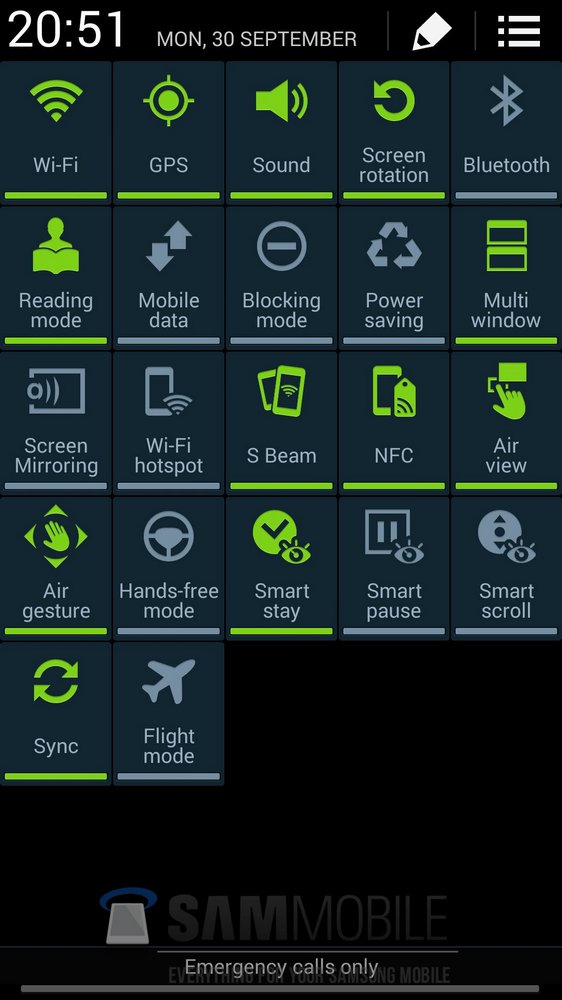
Danas nam daju još jednu procurjelu Android 4.3 verziju za Galaxy S4 (GT-I9505), ali ovog puta je to jedna od završnih verzija – što znači da ništa neće biti uključeno ili isključeno u budućim verzijama Android-a 4.3 za Galaxy S4, osim nekoliko manjih ispravki i poboljšanja.
[youtube id=”8Z8kwAeJDqE” width=”600″ height=”350″]
Prema njihovim izvorima, Samsung bi trebao da počne sa zvaničnim ažuriranjem u roku od 1-2 nedjelje za Galaxy S4 (GT-I9505 / GT-I9500).
Ispod se nalaze detalji i instrukcije za instalaciju koje je Sammobile pružio, ali sve radite na svoju odgovornost.
Model: GT-I9505
Country: Open Asia
Version: Android 4.3
Changelist: 1840064
Build date: Tue, 8 Oct 2013 23:29:05 +0000
Product Code: OLB
PDA: I9505XXUEMJ3
CSC: I9505OLBEMJ2
MODEM: I9505XXUEMJ3
Download:I9505XXUEMJ3_I9505OLBEMJ2_OLB.zipNOTE
– This firmware will WIPE your device (Perform a backup before flashing)
– This test firmware will NOT increase your binary counter NOR void your warranty.
– This test firmware will NOT trigger your KNOX Warranty Counter (If it’s 0×0 before flashing, it will remain 0×0 after flashing and vice versa).
– This test firmware is a pre-release firmware and not official from Samsung.
– We have fully tested this firmware and this firmware works perfectly as any other official firmware.INSTRUCTIONS
– Extract (unzip) the firmware file
– Download Odin3 v3.09 (From here or here)
– Extract Odin .ZIP file
– Open Odin3 v3.09
– Restart phone in download mode (Press and hold Home + Power + Volume down buttons)
– Connect phone and wait until you get a blue sign in Odin
– Add AP_I9505XXUEMJ3_1840064_REV06_user_low_ship_MULTI_CERT.tar.md5 to AP
– Add BL_I9505XXUEMJ3_1840064_REV06_user_low_ship_MULTI_CERT.tar.md5 to BL
– Add CP_I9505XXUEMJ3_1840064_REV06_user_low_ship_MULTI_CERT.tar.md5 to CP
– Add CSC_OLB_I9505OLBEMJ2_1765174_REV06_user_low_ship_MULTI_CERT.tar.md5 to CSC
– Make sure re-partition is NOT ticked
– Click start button, sit back and wait a few minutes.
– If you encounter any issues with the firmware (Any FC, Bootloop etc)
– Boot into recovery mode (Home+power+vol up)
– Choose to wipe/factory reset. (THIS WILL ERASE ALL OF YOUR DATA INCLUDING YOUR INTERNAL SD CARD!)
– Then choose reboot and you should be good to go!
(sammobile)


